Budgeting for Google Ads: What Small Businesses Need to Know
FuelLabs Editorial Team••4 min read
Most ad budgets fail because they start with comfort numbers, not revenue math. A durable Google Ads budget starts from lead goals, conversion rates, and gross margin realities. This guide is about how much to commit before launch—not how to split spend across markets or scale an already-running account.
Jump to section
Start from pipeline targets, not platform defaults
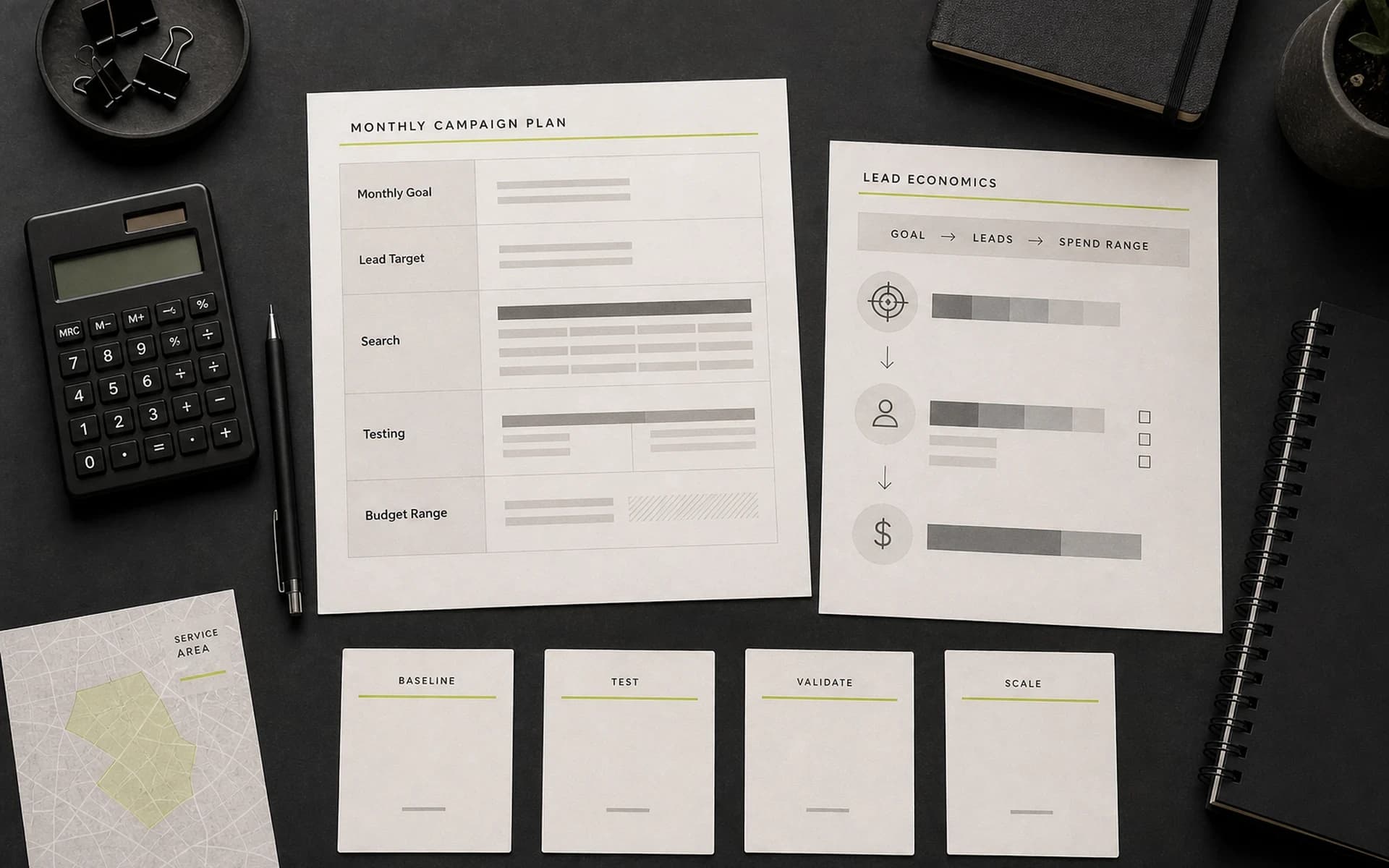
Ask how many qualified opportunities you need monthly, then reverse-engineer click and spend requirements.
Budgeting from business outcomes keeps spend tied to growth objectives instead of guesswork. Once the starting size is set and you are operating across multiple metros, use Local vs. National paid search budgets for allocation across markets—that guide is about splitting spend, not sizing the first commitment.
Model spend with realistic ranges
Use low, expected, and high CPC scenarios for planning. This protects your forecast from auction volatility and seasonality swings.
There is no platform-enforced minimum spend, but practical floors exist: a daily budget needs to support roughly 10–20 clicks so you have enough data to optimize. For local businesses at about $1–2 CPC, around $20/day is a workable starting point; when CPC runs $5+, the realistic floor is closer to $50/day. At the monthly level, most small businesses new to Google Ads should plan on roughly $1,000–$2,500/month to start, scaling toward $1,500–$5,000/month as data accumulates. A 2026 analysis of over 15,000 Google Ads accounts found 24% spend under $1,000/month, 39% spend $1,000–$10,000/month, and 37% spend over $10,000/month—useful distribution context rather than a single “right” number.
Include lead-to-opportunity and opportunity-to-sale assumptions so finance and sales align on expectations.
Protect budget with a phased rollout
New accounts should not scale aggressively in week one. Use a validation phase to confirm query quality and conversion tracking health.
The reason the phased rollout matters is data sufficiency: with too few daily clicks, you cannot tell real performance from random auction noise. Keep Phase 1 (intent validation and negative-keyword build) running long enough to accumulate roughly 10–20 daily clicks before you treat early results as conclusive and move into Phase 2. When the account is past validation and you are ready to raise spend without eroding margin, use paid traffic scaling without eroding margins.
Phase 1: intent validation and negative keyword build
Phase 2: ad and landing page optimization
Phase 3: controlled scaling by top-performing segments
Measure budget efficiency by quality-adjusted CPL
Low CPL can still be expensive if quality is poor. Include qualified rate and close rate to understand true acquisition cost.
Budget expansion should follow quality stability, not just volume gains. For diagnostics when CPL looks “cheap” but pipeline is weak, work the CPL reduction checklist for local lead campaigns.
Reserve testing budget every month
Accounts stagnate when every dollar is forced into current winners. Keep 10-20% of spend for testing new offers, copy, and audience angles.
This prevents long-term performance decay and reveals the next scaling opportunities. Operationalize the model with Google Ads management and keep browsing patterns in Google Ads guides.
Need a realistic paid media budget model?
We build channel budgets around qualified pipeline goals and margin targets.