
Jump to section
Why Most City Landing Pages Fail a Quality Check
Most city page programs fail for a boring reason: they were built as a URL factory, not as a set of useful local pages. The template is identical, the paragraphs are identical, and the only “localization” is a find-and-replace on the city string. Search engines and human reviewers both notice.
Quality checks — whether algorithmic or manual — look for usefulness and differentiation. A page that claims to serve Tampa but shows Orlando photos, generic testimonials, and no local operating detail is not useful. It is a doorway dressed as content.
Paid traffic makes the failure more expensive. A geo-targeted ad that lands on a page that does not clearly confirm the city creates bounce and wasted spend even when SEO risk has not fully matured yet.
Fixing city pages is not “add more words.” It is rebuilding the system so every market page must earn its URL with proof, service clarity, and honest coverage language — the same discipline you would expect from a serious website and landing page program.
Operators feel this failure in sales calls too. Prospects ask which crew covers their ZIP, what recent jobs look like nearby, and whether you actually show up when weather turns ugly. A page that cannot answer those questions in the first screen trains people to keep shopping — even if the URL ranks for the city name for a while.
Paid search teams notice first because bounce and CPL move before rankings do. Organic teams notice later when a quality update compresses the whole multi-location set. Either way, the root cause is the same: pages that were never built to be useful in a specific place.
The Doorway Page Trap — What "Just Swap the City Name" Actually Risks
Doorway pages are built primarily to funnel searchers toward a destination rather than to help the visitor in that location. Mass city pages with near-identical copy are a classic pattern reviewers associate with that behavior.
The risk is not theoretical. Thin multi-location sets can be demoted, ignored, or used as a quality signal against the broader site. Even when rankings hold for a while, you still inherit conversion problems: visitors smell the fake local page.
“Just swap the city name” also creates operational debt. When you finally need a real local case study, your CMS has 40 near-duplicates and no field for market-specific proof. The cheap launch becomes an expensive rebuild.
Treat every new city URL as a commitment to maintain unique proof and accurate service-area honesty. If you cannot commit, consolidate into fewer stronger pages instead of diluting the domain with thin clones.
A useful stress test: open three city pages side by side with the city names blurred. If you cannot tell them apart, neither can a quality reviewer. Differentiation has to survive that test before you celebrate how many locations you “launched.”
Legal and brand teams should care too: thin location pages create support tickets and complaint risk when customers feel bait-and-switched by a city URL that was never staffed to serve them well.
Canonical Tags Done Right for Multi-Location Pages
Self-referencing canonical tags are standard practice for multi-location templates: each city URL’s canonical should point to itself, not to a hub page, unless you intentionally want that URL treated as a duplicate of something else.
Teams sometimes canonicalize every city page to the main service page “to be safe.” That tells search engines the city URLs are not the preferred versions — which defeats the purpose of publishing them. If the page deserves to exist, it deserves a self-referencing canonical.
Canonicals do not forgive thin content. A self-canonical on a doorway page does not make the page good; it only clarifies which URL you claim is the primary one. Content quality still has to hold.
Pair correct canonicals with clean internal linking: from market hubs like Miami and Tampa, from service pages, and from relevant blog guides in Website & CRO. Signals should reinforce that each city page is a real destination.
Also verify that CMS plugins are not rewriting canonicals on publish. Many “mystery” indexing issues are a theme or SEO plugin pointing city templates at a parent service URL after an editor hit save. Canonical hygiene is configuration, not a one-time code comment.
What Real Location-Specific Content Looks Like
Real localization is more than an H1 that says “Plumber in [City].” It includes local proof, local operating detail, and local objections answered in plain language.
Examples that usually qualify as genuine: a city-specific project photo set, a review that names the neighborhood or city, permit or HOA notes that apply locally, response-time promises tied to that market’s dispatch reality, and service-area boundaries that do not pretend you cover an entire state from one truck.
Examples that do not qualify: swapping the city token in a 400-word boilerplate paragraph, embedding a generic map screenshot, or listing “serving all of Florida” on every URL.
Write a short local block that only that market’s page can use. If the block could be pasted to another city without editing, it is not local enough.
Interview the local manager or longest-tenured tech for twenty minutes and you will usually get more unique content than a copywriter inventing “vibrant downtown” filler. Ask about common job types, seasonal spikes, and neighborhoods that convert. That interview becomes the local block.
Photograph real jobs with permission and a simple naming convention by market. A folder of city-tagged photos is worth more than another paragraph of interchangeable adjectives.
Modular Proof Blocks — Rotating City-Specific Case Studies, Reviews, and Job Photos
The winning architecture is modular: shared structural template, swappable proof modules. Keep hero layout, process steps, and form UX consistent so your team can ship quickly. Force city-specific fields for case studies, reviews, and job photos.
Rotating proof is how you avoid both thinness and chaos. A shared component library with required local slots beats freeform pages that drift into inconsistency. Designers get speed; SEO gets uniqueness; paid media gets predictable message match.
Operational tip: store proof assets tagged by market in your CMS. When you launch city page #12, editors pick from that market’s approved reviews and photos instead of inventing filler.
If a market has thin proof today, do not fake it. Launch with honest limited proof and a plan to add assets after the next completed jobs — or wait to publish until you have something real.
Modular systems also make A/B testing saner. You can test a proof module layout once and roll it across markets without rewriting forty pages from scratch — as long as the content slots stay required and city-tagged.
Matching Ad Intent to Location Content for PPC Traffic
PPC city pages have one extra job: visibly confirm the geographic intent of the ad above the fold. If the ad says “AC repair in Fort Lauderdale,” the lander must say Fort Lauderdale before the visitor has to hunt.
Message match for geo campaigns includes city in the H1 or subhead, a local phone number when you use one, and proof that does not look imported from another market. This is conversion hygiene as much as SEO hygiene.
Separate SEO city pages and pure paid landers when intent or offers differ. Sometimes the same URL can serve both; sometimes paid needs a tighter, faster page with a single CTA. Decide deliberately inside your landing page system.
Track conversion by city URL and by campaign geo. If one market’s page converts poorly, fix that page — do not average the problem away in a blended dashboard.
When paid and organic share a URL, protect the fold for paid message match and still keep enough depth below for SEO. If those goals fight, split the paid lander and keep the SEO city page linked clearly from ads only when match still holds.
A Content Checklist Before You Launch City Page #2 (or #20)
Before publishing another city URL, run a short gate: unique H1 and intro with real local detail; at least one local proof asset; accurate service-area language; self-referencing canonical; internal links from relevant hubs; form/phone tracking that attributes the city; and a mobile pass on speed and CTA clarity.
Also check cannibalization. If two city pages target overlapping neighborhoods with identical copy, you are competing with yourself. Draw clear coverage lines.
Have an owner. City pages rot when “marketing” owns them in theory and nobody updates reviews or photos after launch.
If the checklist fails, do not publish. A missing page is better than a thin page that teaches Google your multi-location set is low quality.
Put the checklist in the CMS as required fields, not a Google Doc nobody opens. Soft process loses to shipping pressure; hard required fields hold the line when someone wants twenty cities live by Friday.
Require a second pair of eyes on the first five pages in a new template. After that, spot-check. Early mistakes replicate fastest.
How Many City Pages Is Too Many, Too Fast
Velocity without uniqueness is how doorway patterns form. Launching twenty near-identical pages in a week is a red flag to reviewers and a nightmare for your team.
A safer pace: publish markets where you have proof and demand, then expand as assets and capacity allow. Strength in ten cities beats mediocrity in forty.
Prioritize by revenue and search/paid demand, not by the completeness of a state map. Empty map pins do not pay invoices.
If leadership wants “all cities live by Friday,” translate that into a phased plan with quality gates. Speed that destroys quality is not a go-to-market win.
A practical batch size for many service brands is a handful of markets per sprint — enough to learn the template, not enough to flood the site with clones. Expand only after the first batch shows indexation and conversion that look healthy.
Auditing Existing City Pages for Duplicate-Content Risk
Export your city URLs and compare body text. Near-duplicate detection does not require fancy tools — side-by-side diffs and a simple similarity check catch most of the damage.
Flag pages that only differ by city tokens. Rewrite or consolidate them. Fix canonicals that point upward incorrectly. Replace stock-only imagery with local proof where you can.
Check indexation and performance by URL. Pages that never earn impressions or conversions may not deserve to stay live. Pruning can be a quality improvement.
Re-audit quarterly. City page sets drift as people duplicate the “easiest” template instead of filling required local fields.
Include a screenshot or text sample of each failing page in the audit note. Abstract scores do not get fixed; concrete diffs get assigned owners and deadlines.
A Practical Template Structure That Still Passes a Quality Check
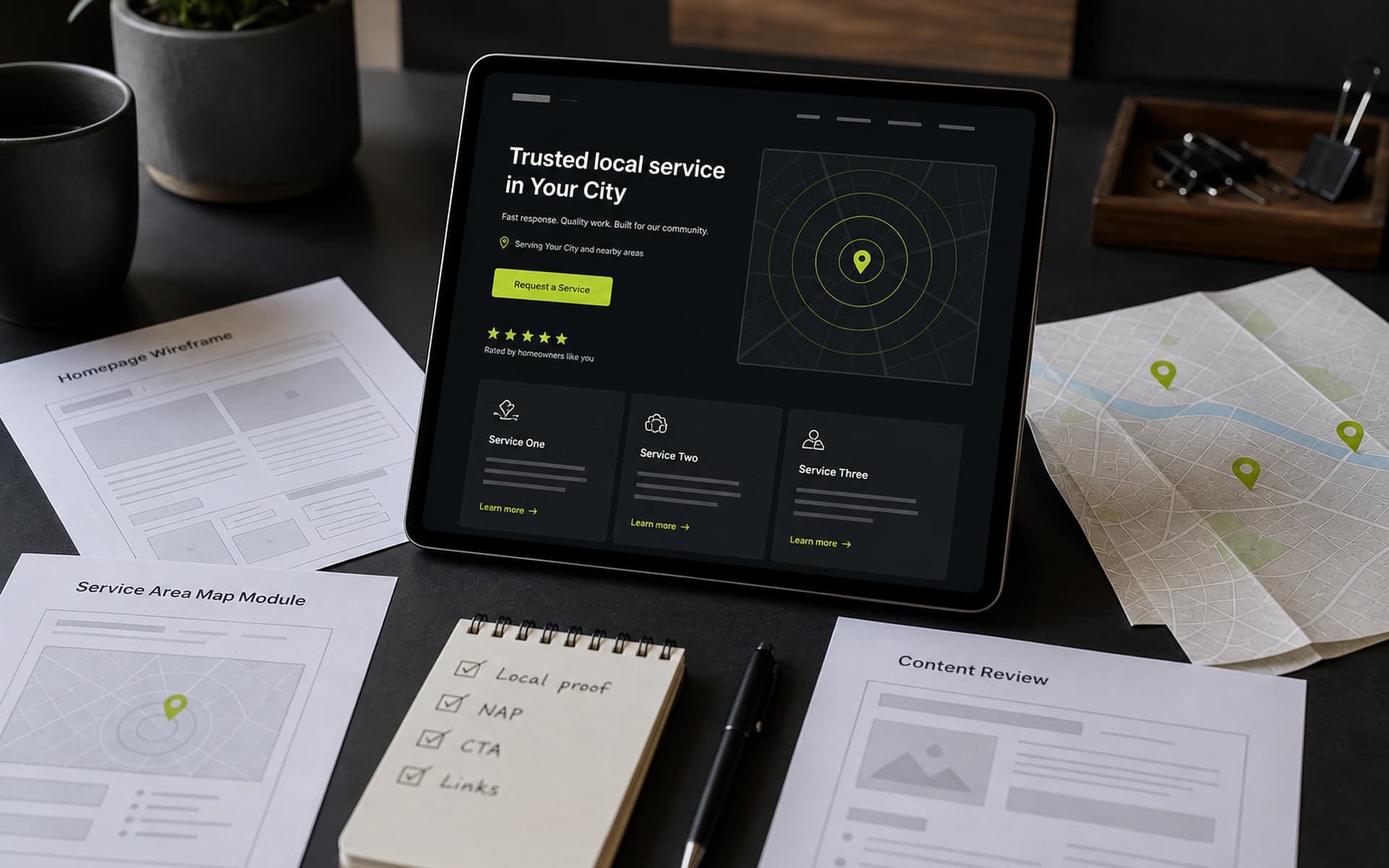
A durable template looks like this: geo-confirmed hero + primary CTA; local proof module (required); services list tailored to what you actually sell there; process/timeline; FAQ with local objections; trust/licensing; form or call path; related markets without doorway spam links.
Keep components shared. Keep copy fields local. That is the entire strategy in one line.
For PPC, ensure the first screen mirrors the ad’s geo and offer. For SEO, ensure the page answers real local questions better than a directory listing.
When the template is right, scaling markets becomes an editorial workflow — not a cloning spree. That is how city pages rank, convert, and survive quality checks at the same time.
Train whoever publishes pages for thirty minutes on the required fields and the “blurred city name” test. Template quality is a people process as much as a design system — and that process is what keeps batch twenty as clean as batch two.
Finally, keep a living example page — one city URL your team agrees is the gold standard — and link it inside the CMS help text. Editors copy quality faster from a concrete model than from a PDF of SEO rules.
Ship better city pages, faster
We build multi-location templates your team can maintain — with required local proof slots that protect quality and conversion.
Talk to our web team