
Jump to section
Why low CPL is the wrong north star
Meta’s delivery system learns from the events you optimize toward. If you optimize for Instant Form submits, you get more submits—including curiosity, wrong ZIP, and spam. Contractors feel that as estimate calendars full of tire-kickers while CPL looks “healthy.”
Reframe the scoreboard for a fixed window (for example, trailing 30 complete days): raw leads, qualified leads, booked appointments, and spent media. Report qualified lead rate, cost per qualified lead, and cost per booked appointment. Keep raw CPL as a diagnostic, not the goal.
Five different “bad lead” problems
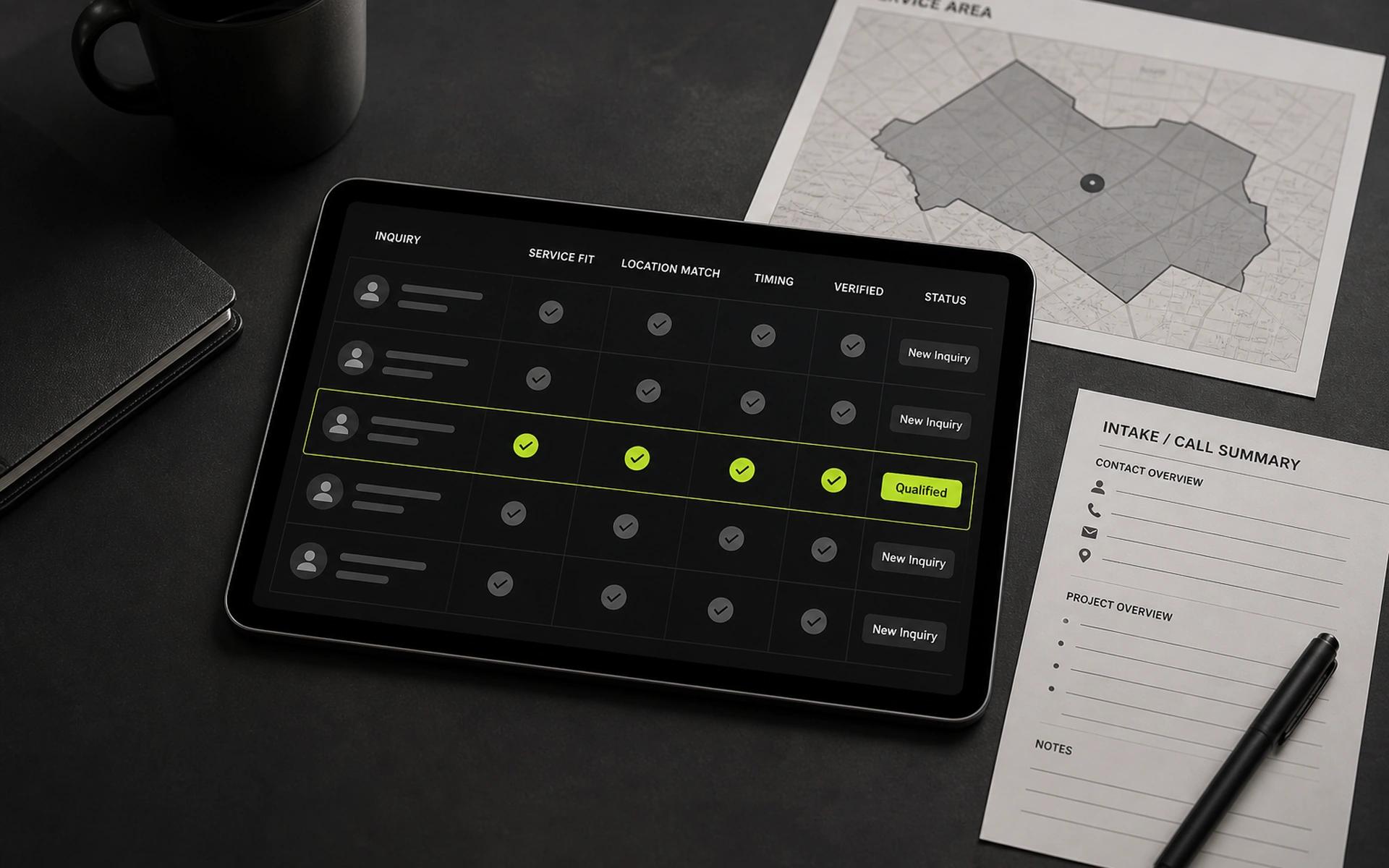
Lumping every disappointment into “bad leads” hides the fix. Split samples into: spam/bots, wrong service area, wrong service, low intent / not ready, and good-fit but unworked (slow or missing follow-up). Wrong-area needs geo and form questions; unworked leads need intake—not a new creative.
Pull 25–50 recent Lead Ads inquiries. Tag each with one primary reason. If unworked is large, pause media experiments until response SLAs hold. If wrong-area dominates, fix targeting and qualifying questions before testing new hooks.
Offer and creative: what you invite determines who shows up
“Free estimate” with no service or area context invites broad curiosity. “Kitchen remodel consult — [County] homeowners” filters harder. Match the promise to jobs you want. Discount-only angles often raise volume and lower fit for high-ticket trades.
Show real work you are allowed to show, name the trade, and avoid claims you cannot support. Creative that oversells financing, timelines, or results creates qualified-looking forms that fail on the first call. For structured creative experiments after the offer is honest, use Facebook ad creative testing for home services.
Instant Forms vs website forms—tradeoffs, not a winner
Instant Forms (Facebook/Instagram native lead forms) reduce friction and often increase submit volume. They can also increase low-intent fills if questions are weak and confirmation is soft. Website forms add load time and drop-off but let you control messaging, proof, and routing on your domain.
Choose based on your bottleneck. If volume is scarce and follow-up is strong, Instant Forms can be a fair test. If calendars are flooded with wrong-fit submits, a tighter website form—or Instant Form with stronger qualifying questions and clear service-area copy—usually beats “make the form shorter.” There is no universal winner for every contractor.
Qualifying questions that help—without needless friction
Useful Instant Form or website questions for contractors often include: service needed, property ZIP or city, timeline, and sometimes project scope range. Ask only what changes routing or disqualification. Long medical, financial, or sensitive personal questions do not belong in ad forms and should not be sent into ad platforms.
Prefer multiple-choice answers you can map to CRM fields. Open text is fine for “describe the project,” but do not rely on it as your only filter. State the service area in the form intro so wrong-geo users self-select out before submit.
- Name the service and geography in the form header
- Ask ZIP/city + service type + timeline as defaults
- Avoid sensitive data fields; keep consent language clear
Confirmation, next step, and human handoff
After submit, tell the person what happens next and when. Route the lead to a named inbox or SMS alert with service, area, and form answers visible. Speed-to-lead still decides outcomes for local trades; a perfect form with overnight silence becomes a competitor’s job.
Track first-response time for Lead Ads separately from website phone calls. If Meta leads wait longer, that alone can explain a “quality” gap. Pair with lead response habits when the leak is operational.
CRM dispositions and feedback to Meta
Every closed Lead Ads inquiry needs a disposition your team trusts: qualified, wrong area, wrong service, spam, not interested, booked, won, lost. Weekly tallies by disposition beat gut feel. Without them, creative tests have no ground truth.
Meta’s Conversions API for CRM training explains how sending CRM lead-status updates can help campaigns optimize toward higher-quality outcomes instead of raw form volume (Meta Blueprint — Conversions API for CRM). That only helps when statuses are accurate, timely, and mapped to lead events Meta can use—and when you send only appropriate business fields under your privacy policy and customer consent. CAPI is plumbing, not a quality guarantee.
Do not upload sensitive personal data into advertising systems. Keep optimization events tied to legitimate marketing outcomes (for example, qualified or booked), not medical, financial account, or other restricted information.
Illustrative math: cheaper raw leads can cost more per booking
Hypothetical 30-day comparison for one contractor (illustrative only—not a FuelLabs client result and not an industry benchmark). Campaign A spends $3,000, generates 100 Instant Form leads ($30 CPL), of which 20 are qualified (20% qualified rate → $150 cost per qualified lead) and 8 book appointments ($375 cost per booked appointment). Campaign B spends $3,000, generates 60 leads ($50 CPL), of which 30 are qualified (50% → $100 CPQL) and 15 book ($200 cost per booked appointment). Campaign A looks cheaper on raw CPL and worse on the metric that fills the calendar.
Always name the period, the spend, and the denominators (leads, qualified, booked) when you compare. If sales cycle lag is long, read booked appointments on a lagged window so late bookings are not miscounted as failures.
| Symptom | Possible cause | Evidence to check | Suggested test |
|---|---|---|---|
| High volume, many wrong ZIPs | Loose geo or missing area question | % wrong-area dispositions | Add city/ZIP question; tighten radius |
| Many “wrong service” notes | Creative/offer too broad | Service asked vs services sold | Narrow offer; list excluded jobs |
| Spam / fake phones | Ultra-short form; weak filters | Spam rate in sample | Add verification steps; review form fields |
| Fit looks good, few bookings | Slow follow-up or weak script | Median first-response time | SLA + routing fix before new ads |
| Bookings OK, weak closes | Sales process / pricing / expectations | Close rate by source | Align ad promise with estimate script |
| CPL rising, quality flat | Creative fatigue or auction pressure | Frequency, CTR, CPQL trend | New concepts via creative testing plan |
What “good” looks like on a weekly review
Review one slide: spend, leads, qualified, booked, CPQL, cost per booked appointment, top two disposition reasons, median response time. Change one major variable at a time when quality is the goal—offer, form, or follow-up—not all three.
When you want execution support for Facebook and Instagram lead programs, Meta Ads / Facebook Ads Management is the FuelLabs service path. Bring dispositions and capacity notes so optimization targets match real jobs.
Need Meta lead gen that targets bookable jobs?
FuelLabs Facebook Ads Management focuses on offer fit, form design, and feedback loops that protect contractor calendars—not vanity CPL.
Discuss Meta Ads